Made for the moments every product has
Empty states, errors, success screens and sign-in: the screens that usually get a stock drawing.
- They playEvery illustration has its own animation. Click its parts or press Enter to run it.
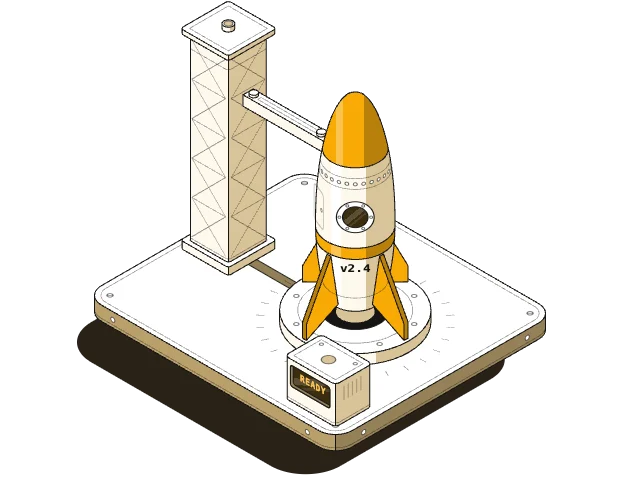
- Two stylesLight is flat with black ink lines. Dark is near-black, with colour only on what matters.
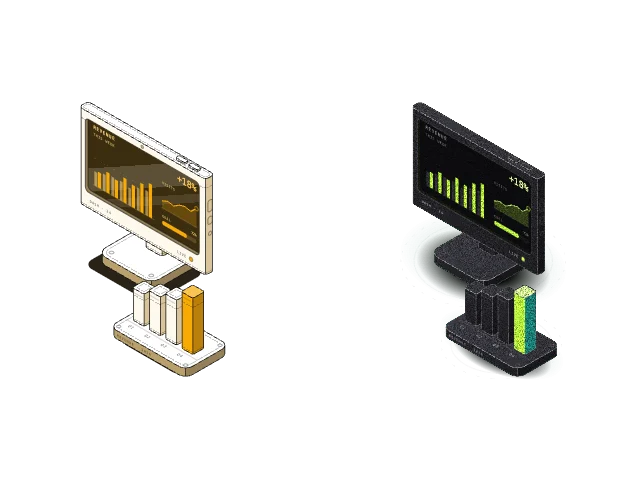
- Your brand colourType your hex in the Studio, or set your own gradient for Dark.
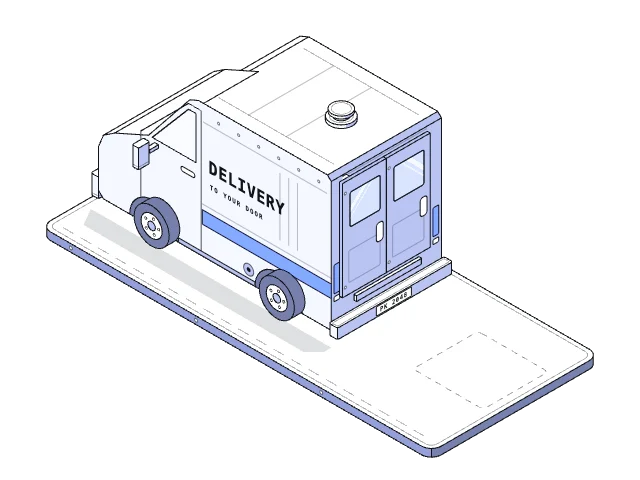
- Real vectorThe still files are plain SVG, so they stay sharp and open in a design tool.
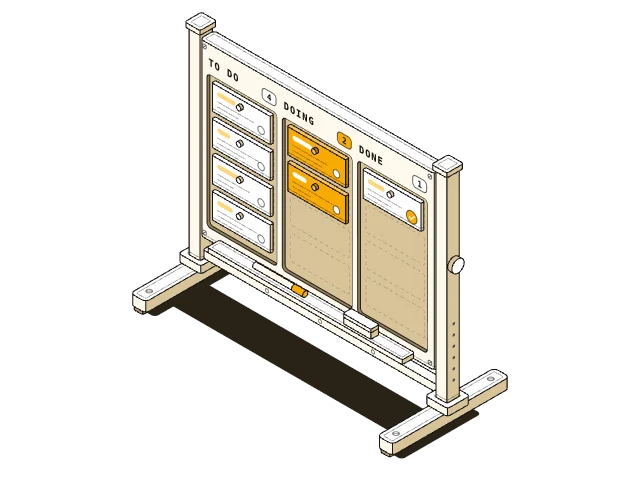
What's in the pack
- A Studio with all 500 illustrations in Light and Dark
- Save any of them as a still or animated SVG, in your colours
- The AI skill that makes new figures, with 488 of the 500 as a library to copy from
- Transparent backgrounds throughout
Questions
What do members get?
The Studio with all 500 illustrations in Light and Dark, the AI skill that makes new figures, and every other paid skill and pack in the shop, including new ones as they are added.
Can I use my brand colours?
Yes. Open the Studio in your browser, type your hex in Light or set a gradient in Dark, and save any illustration. No account needed.
What does the skill need?
Claude Code or the Claude apps. Its scripts need Node 22 or newer and Chrome. New figures come out in Light and Dark, in any brand colour.
Where do the animated files play?
In a browser, embedded with an object or iframe tag, or opened directly. In an img tag or a design tool they show as a still.
Do they work in Figma?
Yes, the still SVGs do. A design tool may drop the soft grain on the Dark files, and the drawing stays the same.
Can I use them in client work?
Yes, members can use them in personal and commercial projects, and credit isn't required. Please don't resell them.