Robots you can play.
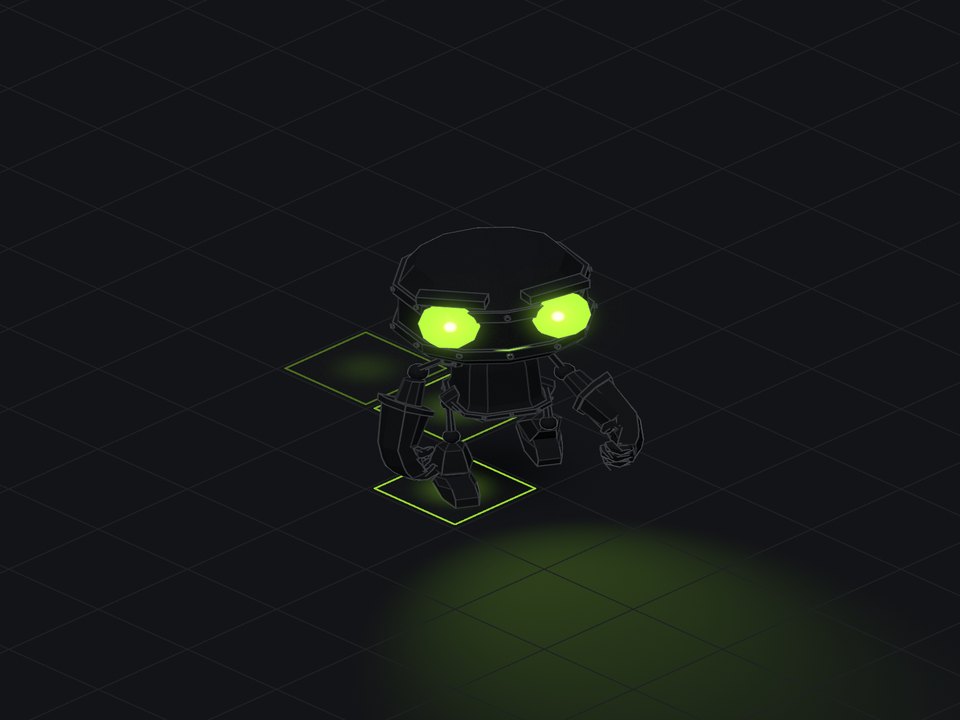
A Claude skill that turns a rigged 3D model, or a sketch of a robot, into a character you drive in the browser. Walk it with WASD, run with shift, press keys for its moves, switch on its lights. One HTML file, built on three.js, no game engine. Go on, drive this one.
mkdir -p ~/.claude/skills && curl -fsSL https://april-zhu.com/playable/playable.tar.gz | tar -xz -C ~/.claude/skills
Using Claude.ai or Windows? See other ways to install.
01
Bring any rigged model
A .glb with bones and animation clips, or a .blend / .fbx it converts for you.
Hand Claude a rigged robot, mech, drone or creature. It keeps the model's skeleton and its own animations, and gives you back a page where the model is a character: idle, walk and run blend as you speed up, every clip is a key you can press, and the camera follows you around the floor. It runs in any browser, in real time.
The rig stays intact
three.js
GLTFLoaderloads the node tree, bones and clips untouched. Each mesh gets a styled twin as its own child, so every line rides the animation instead of being baked flat.Its own animations, blended
An
AnimationMixercross-fades idle, walk and run by speed. Moves (wave, shoot, jump) fade in over the gait and back out; falls hold their pose until you move again.Feet that don't slide
Ground speed is measured from the walk clip itself: how fast a planted foot slides back under the body. So the robot moves exactly as fast as it steps.
Hairlines that bend
A skin-aware outline shader follows bones and face shapes; crease lines are pinned to the bone that carries them; where parts meet (eyes in a face) contact lines are computed once and drawn as folds.
Game controls
WASD relative to the camera, shift to run, a follow camera that swings in behind you, tap-to-walk and a button bar on phones.
Lights from real sources
Eyes, lenses and sensors light in one accent colour; real three.js lights put a pool on the floor; footsteps light the square they land on; guns flash. Light theme stays flat, with no glow.
02
Or draw one
A pencil sketch, a hand drawing, a photo of a doodle.
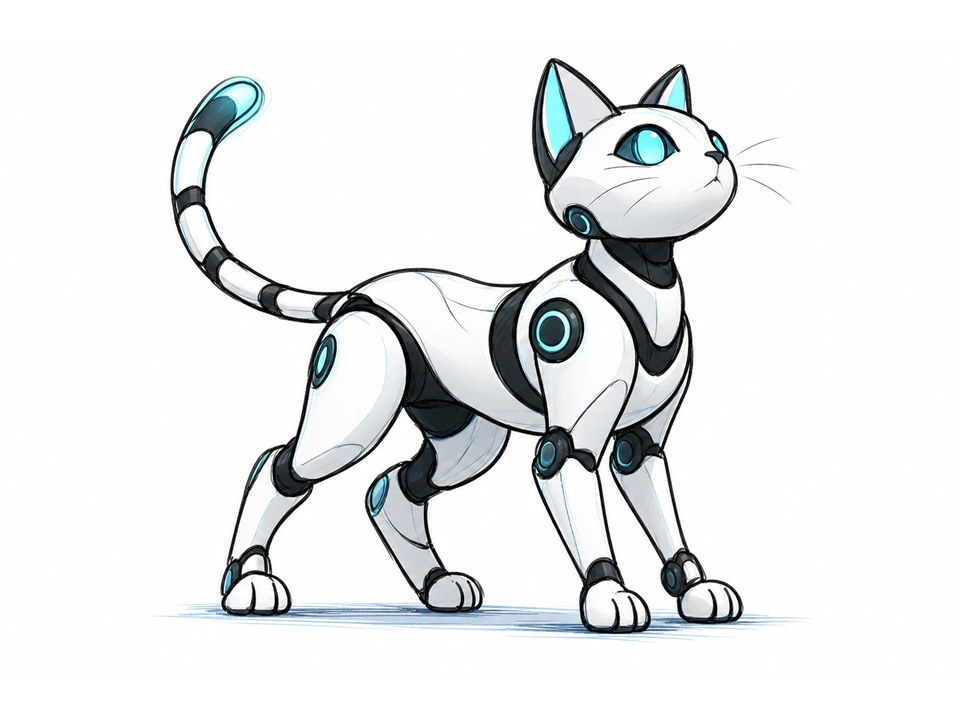
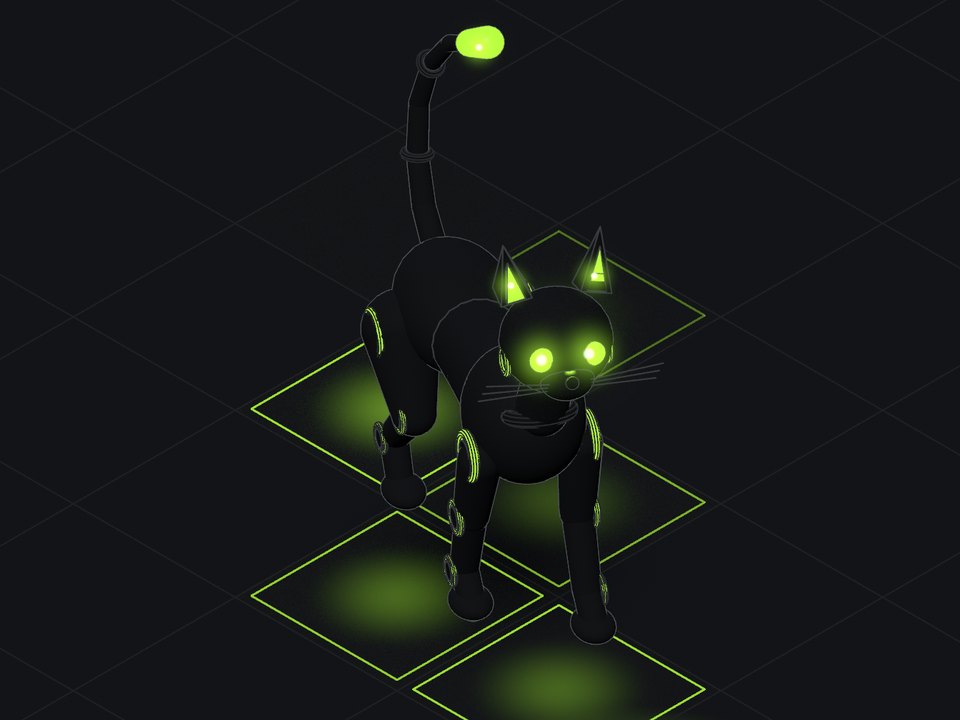
Upload a drawing of your own robot and Playable builds it for you, already rigged. Claude reads the drawing, works out its parts and where it bends, and builds it from solid pieces on a skeleton: here, 30 joints for a hip and chest that flex, a neck and head with swivelling ears, four legs with a joint at every ring in the drawing, and a seven-part tail.
- Parts, not a mesh. Every piece is its own solid on its own joint, so the lines stay crisp however it moves.
- Motion worked out live. A four-legged gait that turns from a walk into a gallop as it speeds up, with each paw planting on the floor and lifting in an arc, a head that stays level and a tail that swings like a spring. Its moves (sit, stretch, pounce, lie down) are poses run through the same solver, so the same controller drives it like a downloaded model.
- Lights that fit the design. The eyes, the rings at every joint, the inner ears and the tail tip light up, and each paw lights the square it lands on.
In the demo
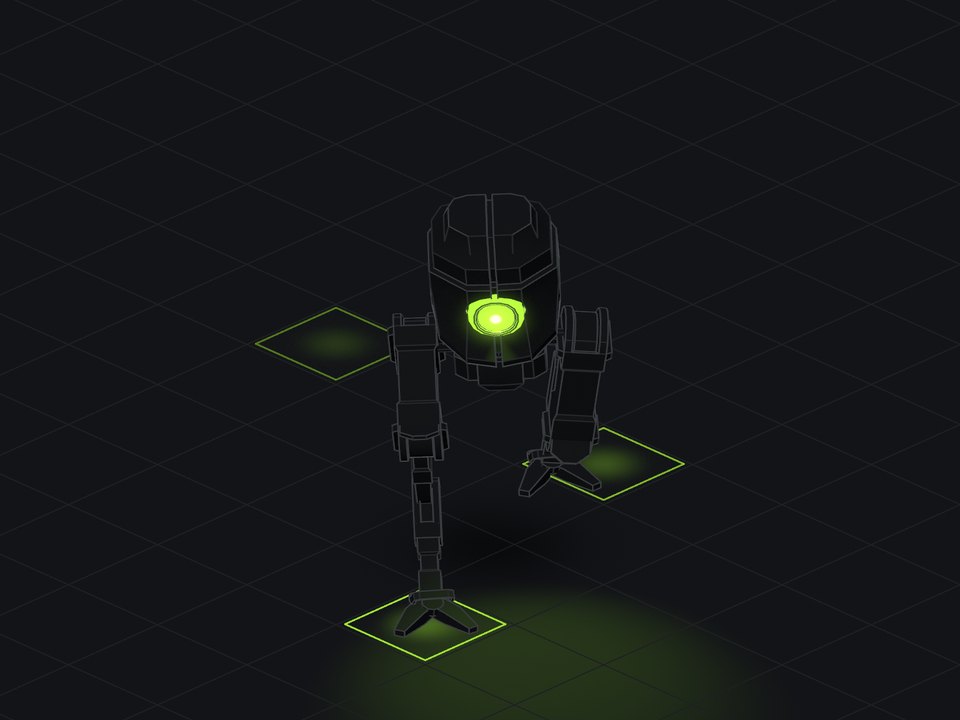
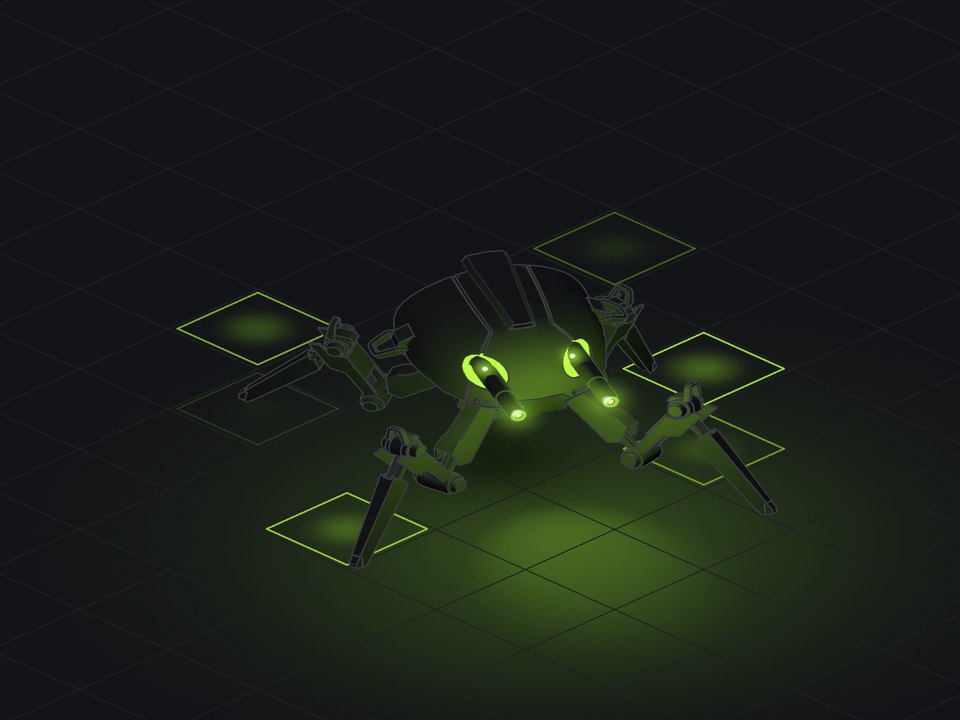
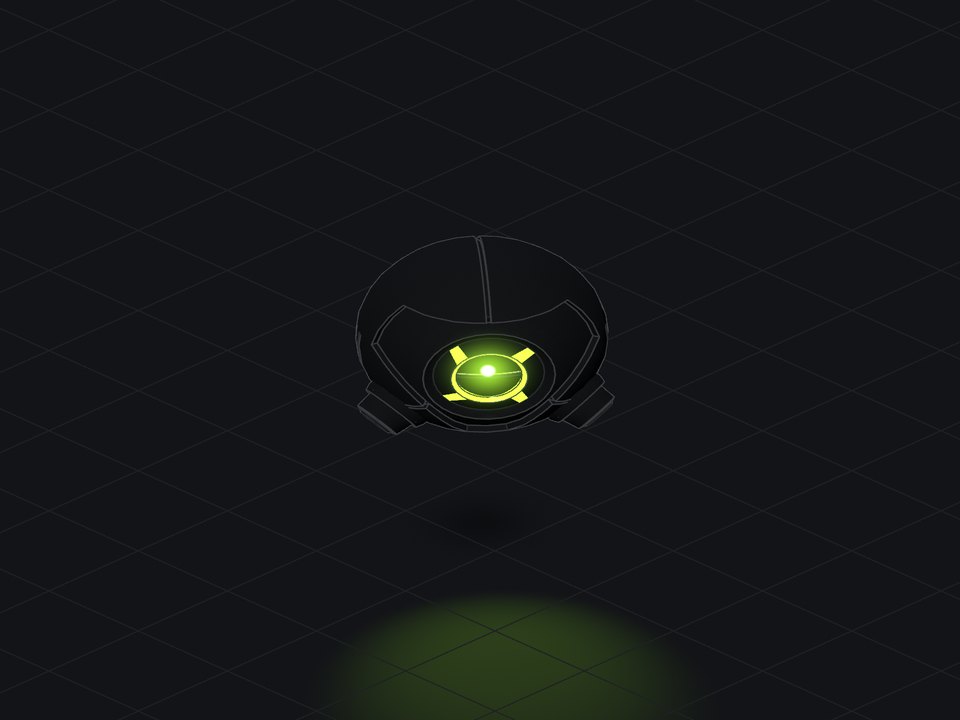
Five robots, one page. Pick one and drive.
Get started
Install, restart, then hand it a model or a drawing.
- 1
Install
Open Terminal, paste this and press Return.
mkdir -p ~/.claude/skills && curl -fsSL https://april-zhu.com/playable/playable.tar.gz | tar -xz -C ~/.claude/skills - 2
Restart Claude Code
Quit and reopen it so it picks up the new skill.
- 3
Give it a model or a drawing
Drop a rigged
.glbin your folder, or attach a sketch, and ask to make it playable (or start with/playable). Converting a.blendor.fbxneeds Blender installed.
- 1
Download
Get the skill file. playable.skill
- 2
Upload
Add it in Claude.ai's skill settings and switch it on.
- 3
Attach and ask
Start a new chat, attach a
.glbor a drawing, and ask for a playable robot. Download the HTML file it makes and open it in your browser.
- 1
Download and unzip
playable.zip Works on Windows, macOS and Linux.
- 2
Move the folder
Put the
playablefolder inside.claude/skillsin your home folder. - 3
Restart Claude Code and ask
Hand it a model or a drawing, or start with
/playable.
Try one of these
Good to know
Which models work best?
Hard-surface rigs: robots, mechs, drones, machines, where each part follows one bone. Those come out exact. Soft characters (people, animals, cloth) work too, but their fold lines can't bend with the skin, so they look a little stiff at the joints.
Where do I find rigged models?
Quaternius and Kenney publish free CC0 packs with animations, and the Khronos glTF samples are a good test set. The robots in the demo all come from CC0 packs.
How faithful is a robot built from a sketch?
It keeps the silhouette, the proportions and the features you'd recognise. Pencil curves become cleaner, slightly faceted machined parts, and the back of a one-view drawing is Claude's guess, so send a second view or correct the first pass.
Can I use famous robots?
For yourself, sure. Don't publish trademarked characters; an original design in the same spirit is fine.
What does it build on?
The 3D template from iso-glow (the hairline look, themes and accent picker) and three.js. Everything ends up in one HTML file that opens from disk.